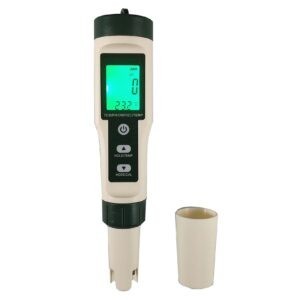


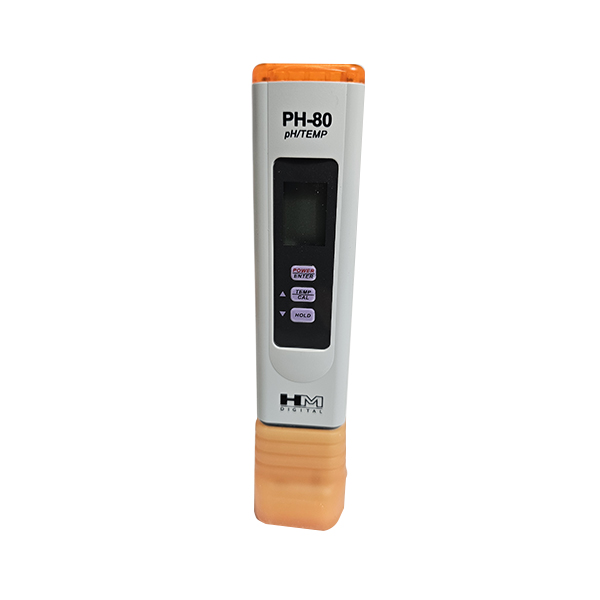
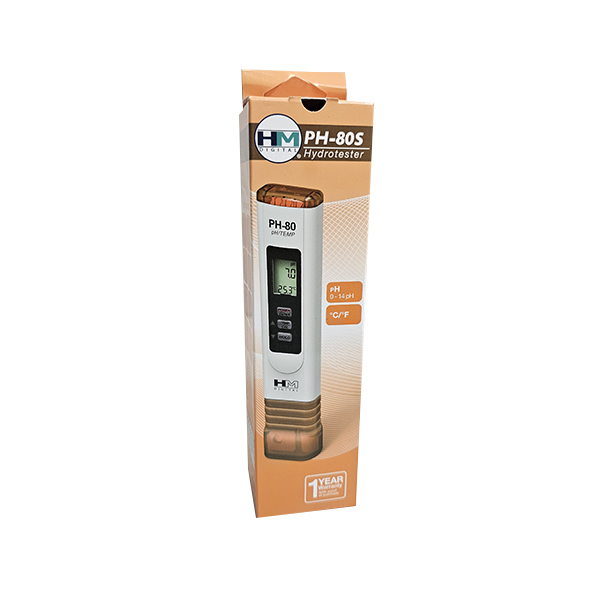
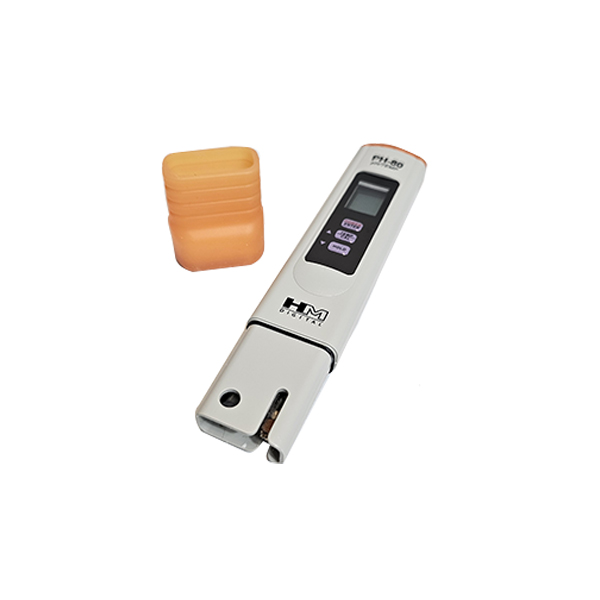
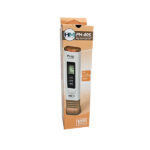
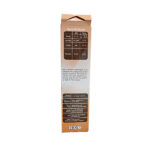
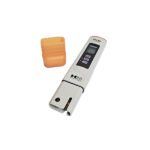
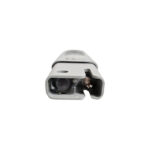

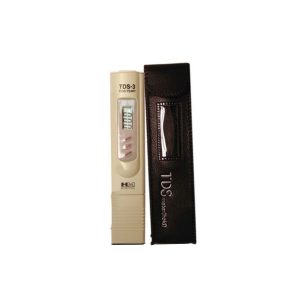
The PH80 tester is:
– fast and accurate,
– easy to use,
– factory-calibrated at three points: 4, 7, and 10 pH,
– equipped with an automatic digital calibration system with automatic recognition of the pH buffer solution (can be recalibrated),
– water-resistant,
– equipped with a large, easy-to-read display. The LCD screen shows both temperature and pH readings simultaneously,
– equipped with auto-off, a hold function, and a low-battery indicator,
– includes a carrying case and a pH 7 test strip.
Why should we measure pH?
Measuring pH tells us the level of acidity and alkalinity in a liquid.
The higher the pH level, the more basic the liquid; the lower the pH level, the more acidic it is.
It is important to measure the pH in water and other liquids, especially in water treated with chemicals or additives, such as in aquaculture, hydroponics (artificial cultivation techniques), swimming pools, and spas. Additionally, it is useful to measure the pH level in water treatment systems.

pH Measurement
1) Remove the cap,
2) Press the power button. The screen will display “pH” for a moment. As soon as “pH” changes to a number, the meter is ready to take a reading,
3) Place the meter’s sensor in the water or solution to be tested,
4) Gently move the meter to ensure any air bubbles are removed,
5) The meter will display a reading almost instantly. Keep the meter in the water until the reading stabilizes (up to about 30 seconds),
6) To display the liquid reading, press the hold button. This locks the reading on the screen; pressing hold again unlocks it,
7) Press the power button to turn on the meter,
8) Shake the meter to remove excess water, then rinse it with low-TDS water (such as distilled or RO water) to clean it. Replace the cap.
Temperature and changing the temperature setting
1) The temperature reading is always displayed on the LCD screen (except in calibration mode) and is shown simultaneously with the pH reading,
2) The default setting is Celsius. To change the temperature unit, quickly press the Temp/Cal button to switch between C and F.
Battery Replacement
When the device displays a flashing battery symbol, the batteries are dead and need to be replaced. The device uses 357A or LR44 batteries.
Specifics
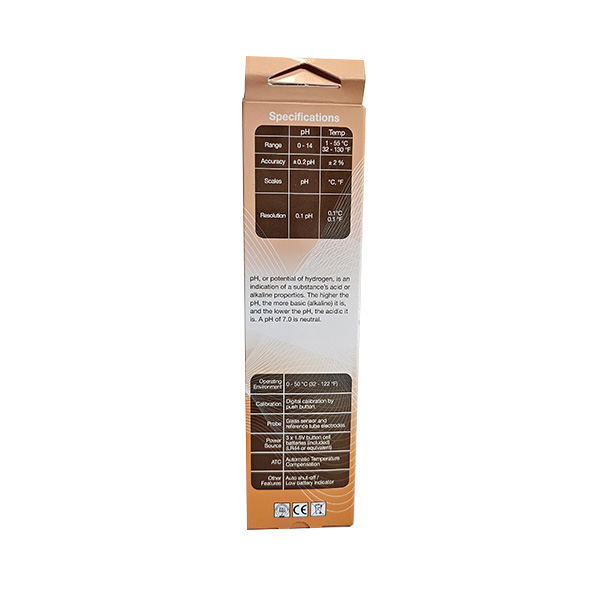
pH range: 0–14
Temperature range: 1–80 °C; 33–176 °F
Resolution: 0.1 pH; temperature resolution is 0.1 °C/°F
Accuracy: ±0.2 pH; ±2% Temp.
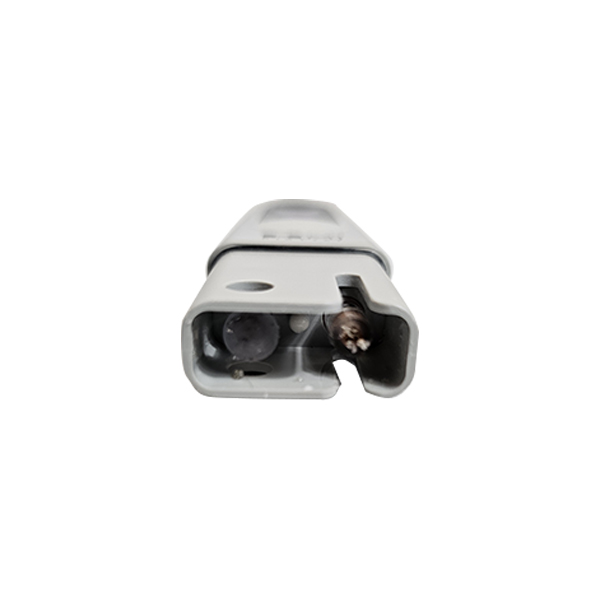
Electrodes: glass
Power supply: 3 x 1.5 V button cell batteries (included)
Size: 15.3 x 3.2 x 1.8 cm (6.0 x 1.3 x 0.7 in)
Please note:
The package includes instructions for use and calibration of the instrument.